Artwork guide
Your artwork.
A smaller stage.
A few thoughtful choices can make a small design read clearly. Here is how to prepare your artwork for a custom pick.
Customize your picks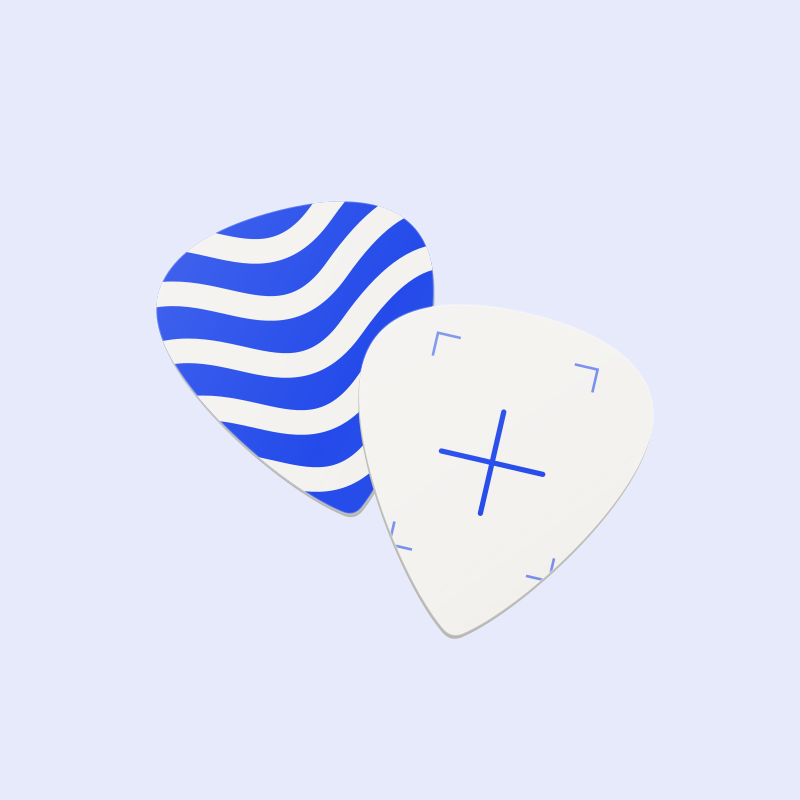
Before you upload
Start with one strong idea
A pick is a small canvas. A clear shape, a bold pattern, or a short piece of lettering gives your artwork room to work.
- Use the original image rather than a screenshot when possible.
- Keep important details away from the outer edge.
- Check that you have permission to reproduce the design.
Give each side its own file
Choose single-sided printing for one design, or double-sided printing for a front and back. The same artwork is used across the selected pack.
- Upload the front design first.
- For double-sided printing, add the back design separately.
- Name the files clearly so the two sides are easy to identify.
Look at the small version
A detailed image can look different when reduced. Review the focal point and lettering in the on-screen pick preview.
- Choose contrast that keeps the main shape clear.
- Avoid relying on tiny text or very fine lines.
- Treat the preview as a guide, not a final print proof.
Check the whole pack
Review the product, pack size, print sides, uploaded files, and price together before moving to checkout.
- One custom cart item represents one pack with the same artwork.
- Use a separate custom item for a different design.
- Final specifications, pricing, and delivery details will be confirmed before purchase.
A few useful answers
What is the difference between ready-made and custom picks?
Ready-made sets use the designs shown in the collection. A custom pack uses the artwork you upload. Each custom cart item is one pack with the same artwork.
Which image should I upload?
Use the clearest original image you have, with important details away from the edge. The upload control shows the accepted file formats and size limit. Only upload artwork you own or have permission to reproduce.
Can I put a different design on each side?
The custom configurator lets you choose a proposed double-sided option and upload separate front and back images. Single-sided artwork needs one image. Available print options will be confirmed before purchase.
Is the screen preview a print proof?
The screen preview is a visual guide. It does not establish exact printed color, scale, crop, or finish. Production details and the final proof process will be confirmed before purchase.
Can I place a paid order now?
Ordering opens soon. You can explore the collection, upload artwork, and review your cart. Live payments are not enabled, and adding to the cart does not place an order. Final specifications, prices, and delivery terms will be confirmed before purchase.
Can AI make a design for me?
An AI design studio is planned for a later edition. Image generation and credit purchases are not available yet. You can upload your own existing artwork to try the custom flow.